Choose the format for your image
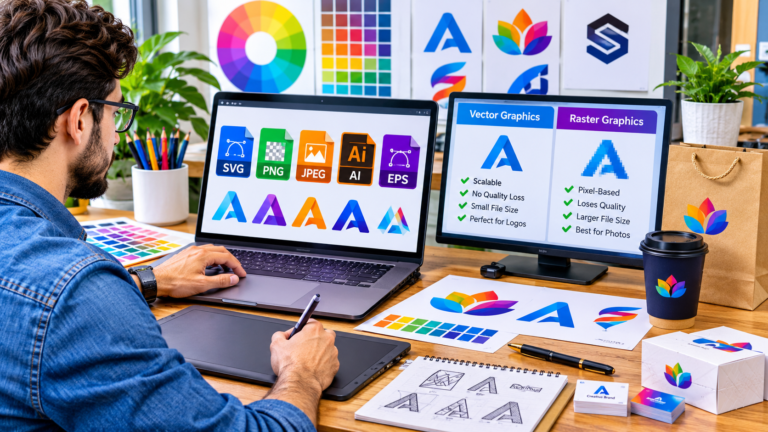
JPG is useful for photographs and broad compatibility. PNG preserves decoded pixels without another lossy encoding step and supports transparency. WebP can offer smaller photographic files, depending on the image and quality settings. Compare the actual output rather than assuming a file extension guarantees better quality or a smaller file.
Keep your original
Conversion creates a new download and leaves the original file unchanged. Review the preview, dimensions and size before replacing any existing image. JPG removes transparency; converting JPG to PNG does not restore lost detail or remove the background.
Built for everyday devices
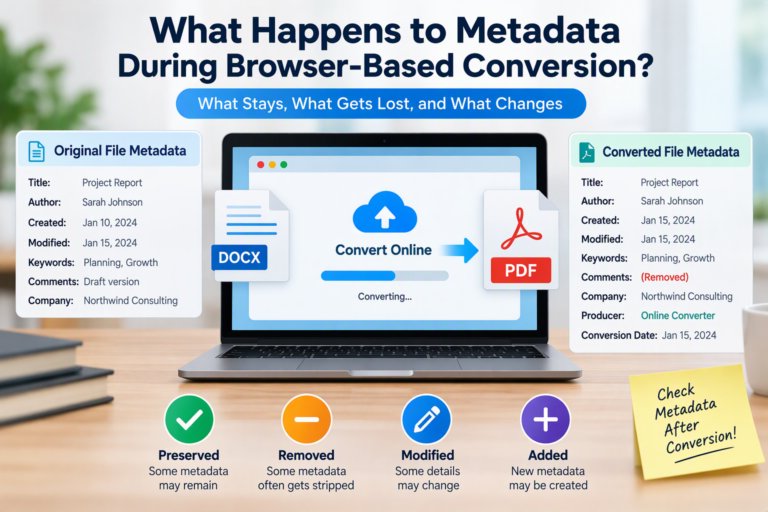
Use the file picker on a phone or tablet, or drag and drop a file on a desktop. Built-in tools accept one static source image up to 10 MiB and 16 million decoded pixels, with dimensions no greater than 8192 pixels per side. The resulting canvas export is a still image and does not preserve the original EXIF or other metadata.